Client
Client Settings (UI)
All client UI changes are auto-saved to Settings.json.
Client Settings (UI)
All client UI changes are auto-saved to Settings.json.
For the raw schema, examples, and advanced fields, see Settings.json.
General
Language: UI language / locale used by the client.Notification Dismiss: auto-hide delay for local notifications in milliseconds.Hide Server Addresses: hides saved IP/host entries in the UI.Disable Notifications: disables local toast notifications.
Appearance
Theme: selected visual theme.Background Image: selected built-in background image.
Input
Input Devices: capture device / microphone source.Input Capture Preset: capture profile used by the platform backend, default isVoiceCommunication.Input Volume: microphone gain in range0..2.Microphone Sensitivity: voice activity threshold in range0..1.Denoisers: available denoiser implementation.Automatic Gain Controllers: AGC implementation.Echo Cancelers: echo cancellation implementation.Push To Talk: only transmit while the configured hotkey is held.Push To Talk Cue: local audible cue when PTT engages / disengages.Microphone Test: local monitoring and activity visualization.
Output
Output Devices: playback device.Output Volume: playback gain in range0..2.Audio Clippers: output clipper / limiter implementation.Test Output: send a local test signal to the selected device.
Network
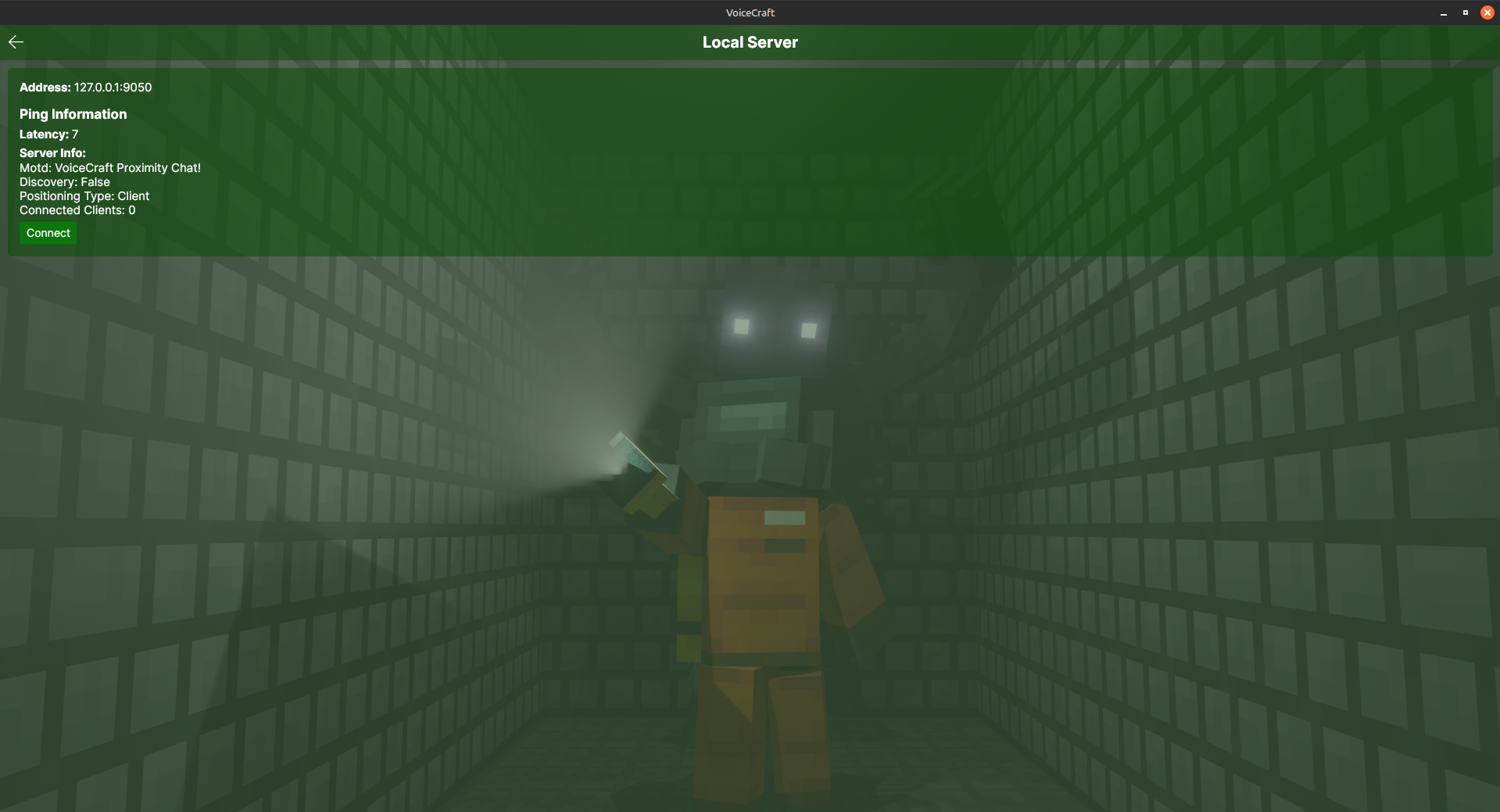
Positioning Type: must matchVoiceCraftConfig.PositioningTypeon the server.McWss Listen Ip: local address used by the McWss-side bridge.McWss Host Port: local McWss port used for Bedrock websocket link.
HotKeys
By default, VoiceCraft exposes bindings for:
MuteDeafen
Default desktop bindings are typically:
Mute:LeftControl + LeftShift + MDeafen:LeftControl + LeftShift + D
Exact hotkey values are stored in HotKeySettings.Bindings.
Per-user controls
VoiceCraft also stores per-user local preferences:
- per-user volume multiplier
- per-user local mute state
These are stored in UserSettings.Users and are applied client-side.
Advanced
Trigger GC: manual garbage collection trigger.Crash: intentional crash path for diagnostics / logging verification.