Client
Client Installation
Client Installation
Windows
- Download
VoiceCraft.Client.Windows.<Architecture>.zip. - Extract the archive.
- Run
VoiceCraft.Client.Windows.exe.
Linux
- Download
VoiceCraft.Client.Linux.<Architecture>.zip. - Extract the archive.
- Grant permissions and run:
chmod +x ./VoiceCraft.Client.Linux
./VoiceCraft.Client.Linux
macOS
Choose one package:
VoiceCraft.Client.MacOS.arm64.dmg/.pkgfor Apple SiliconVoiceCraft.Client.MacOS.x64.dmg/.pkgfor Intel
DMG
- Open
.dmg. - Drag
VoiceCraft.apptoApplications. - Launch the app.
PKG
- Open
.pkg. - Complete the installer.
- Launch
VoiceCraftfromApplications.
If macOS blocks startup:
xattr -dr com.apple.quarantine /Applications/VoiceCraft.app
Android
- Download
VoiceCraft.Client.Android.<Architecture>.zip. - Extract the archive.
- Open the
.apkfrom the archive and install.
iOS (AltStore / sideload)
- Download
VoiceCraft.Client.iOS.arm64.ipa. - Install IPA via AltStore or another sideload tool.
- If needed, allow the profile in iOS settings.
Note About .NET Runtime
For older releases (before v1.4.0), installed .NET 9 runtime may be required.
For current self-contained builds, it is usually not required.
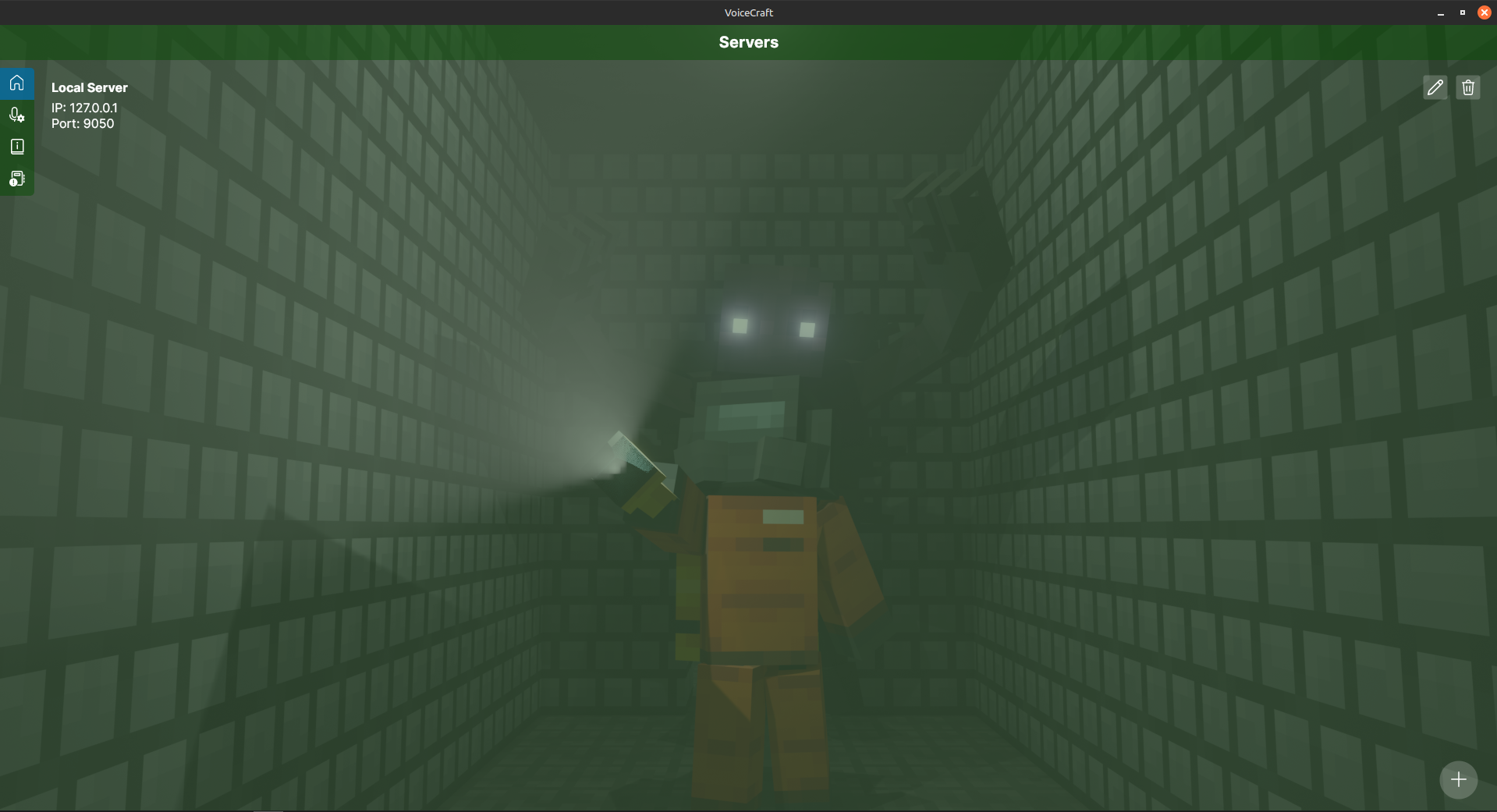
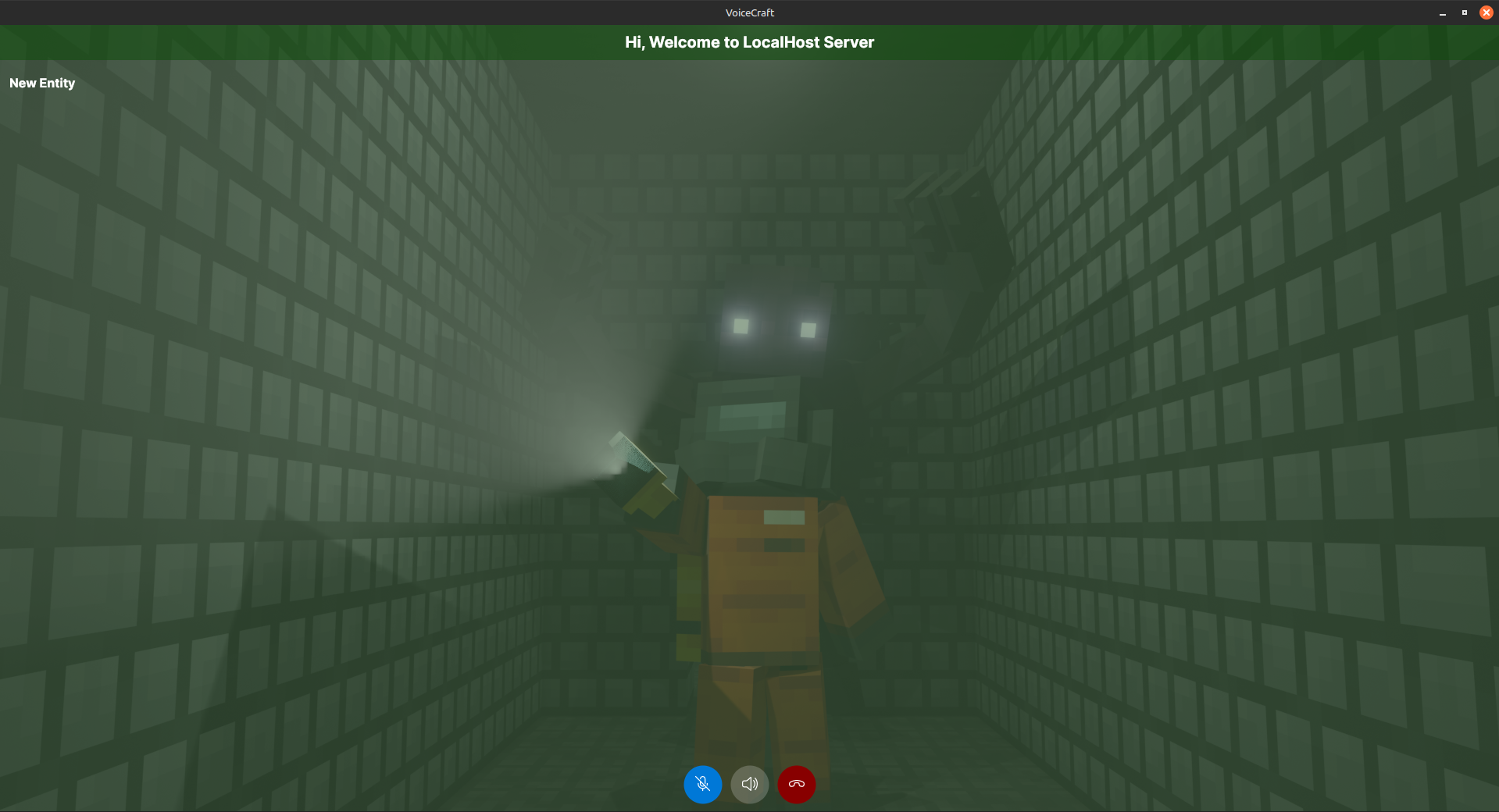
UI Screenshots (Placeholders)